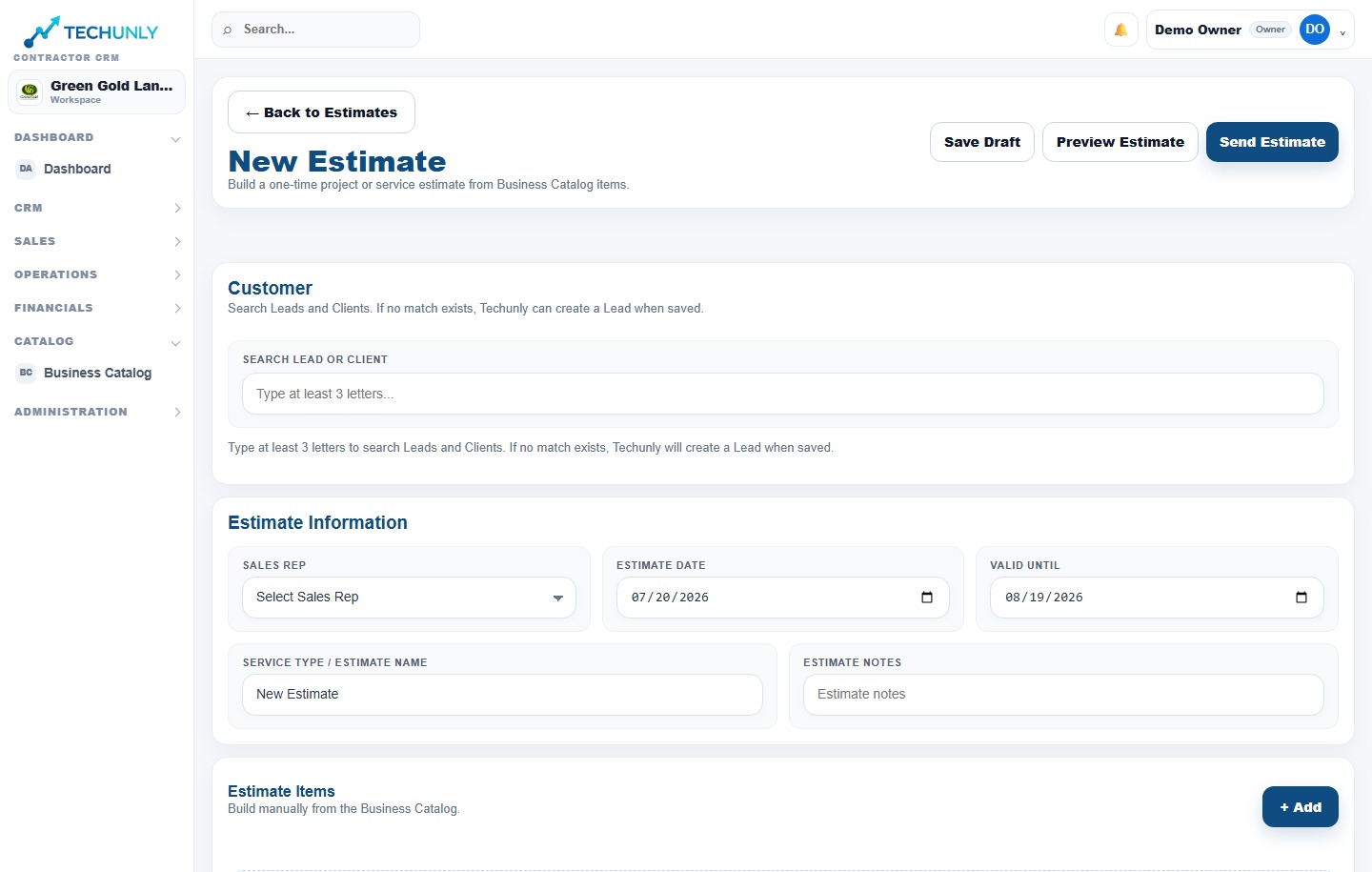
A good proposal starts before you enter a price. Bring the client, property and services together, then keep that context as approved work moves into your operation.
Product screenshots shown in English. Select the image to enlarge it.
01
Start with the client and property
A spring cleanup and a new planting project may belong to the same customer, but they have different scopes. Organizing the client and property information gives you a clear starting point for each estimate. Techunly brings those details into the estimate workflow.
02
Build from your service catalog
Use the services and prices you maintain in your catalog to prepare a professional proposal. Before sharing it, review the scope, quantities and pricing for the specific property. A catalog provides a consistent starting point; your team still decides what the job requires.
03
Keep approved work connected
An accepted proposal is the beginning of the job. Techunly connects approved estimates to projects so the next stage stays part of the same business workflow. Continue into scheduling to plan the day and assign the people who will do the work.
Estimates
Before you get started.
Can I use my service catalog when estimating?+
Yes. Techunly brings your service catalog, client information and property details into the estimate workflow.
What happens after an estimate is approved?+
Approved estimates connect to projects. Scheduling, crew coordination and invoicing are available within the same platform.
Is this only an estimating tool?+
No. Estimating is part of Techunly’s landscaping platform, alongside scheduling, field crew workflows, invoices and payments.
Billing details are collected through Stripe. Your subscription begins automatically after the trial unless you cancel. Billed monthly; cancel anytime.