Practical thinking for the business behind the landscape.
Running a landscaping company means connecting what you sell, what your crew does and what you collect. These resources draw on practical landscaping-business experience to help owners make those connections.
THE OPERATING FLOW
01 / Lead
Start with the right context.
Understand the inquiry, the property and the work being requested before preparing a proposal.
Actual Techunly screenshot. Example data does not represent customer results. Interface shown in English.
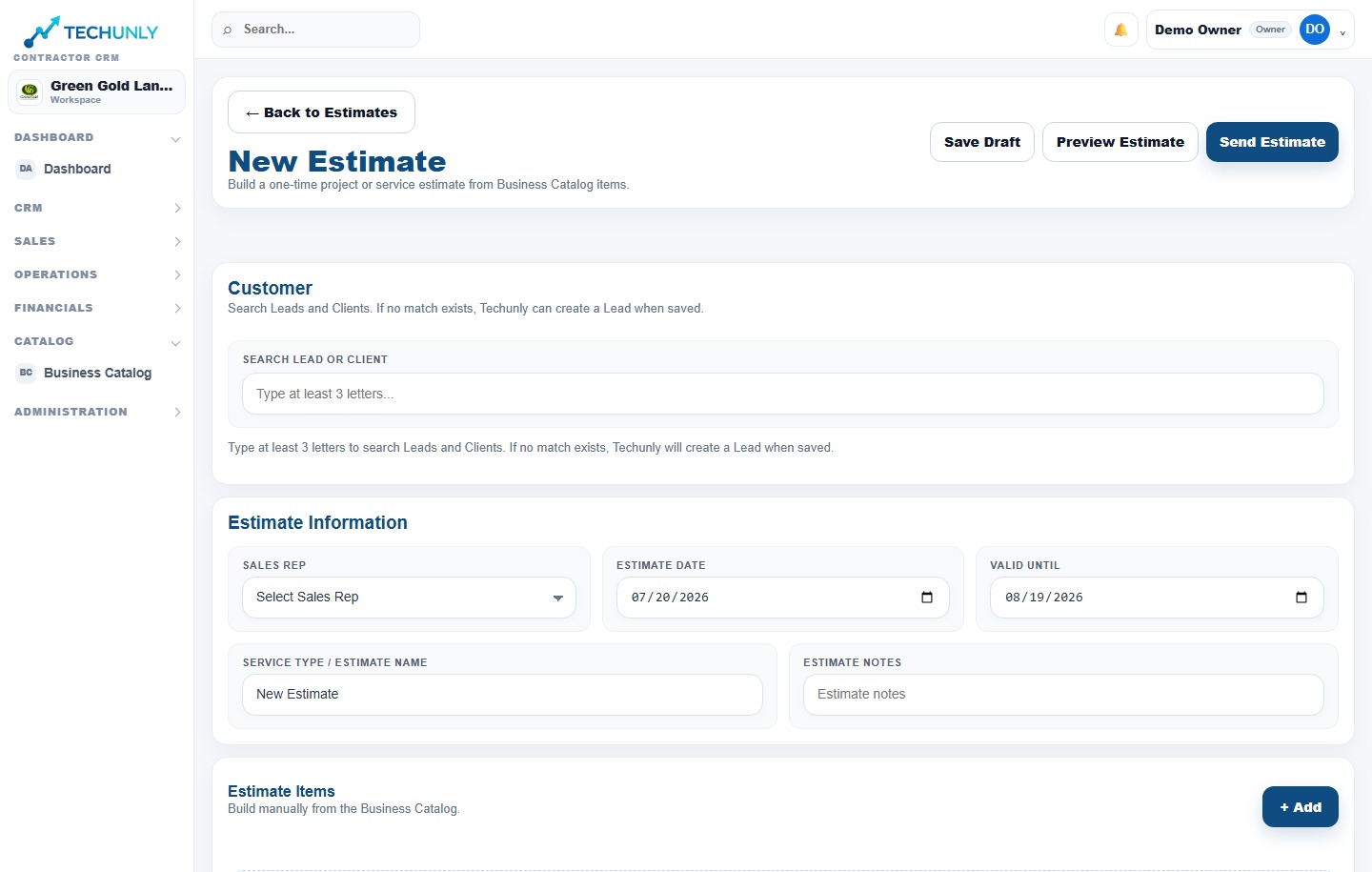
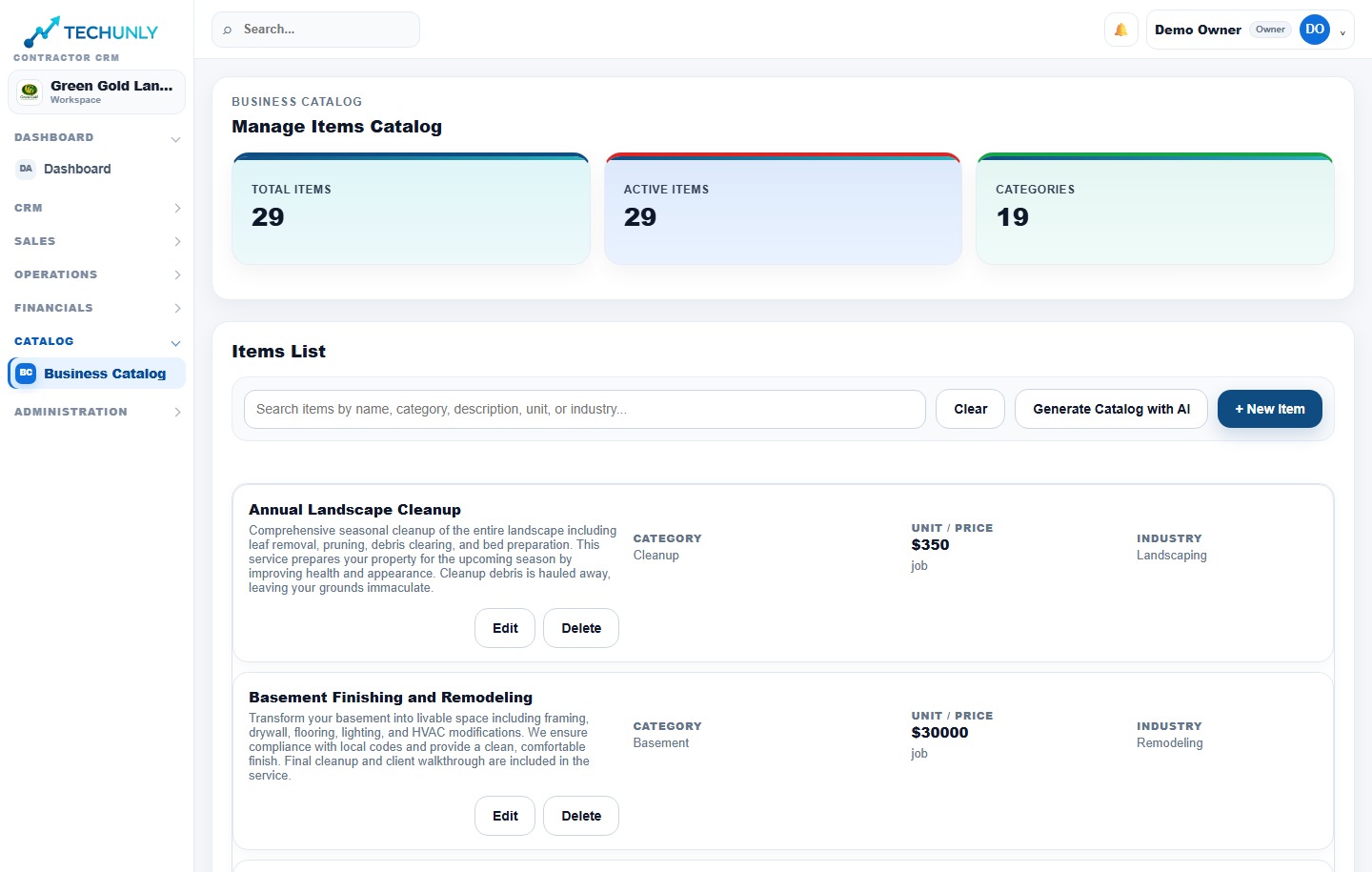
02 / Estimate
Make the scope clear.
Bring the proposed services, scope and price together so the customer can review what is included.
Actual Techunly screenshot. Example data does not represent customer results. Interface shown in English.
03 / Approval
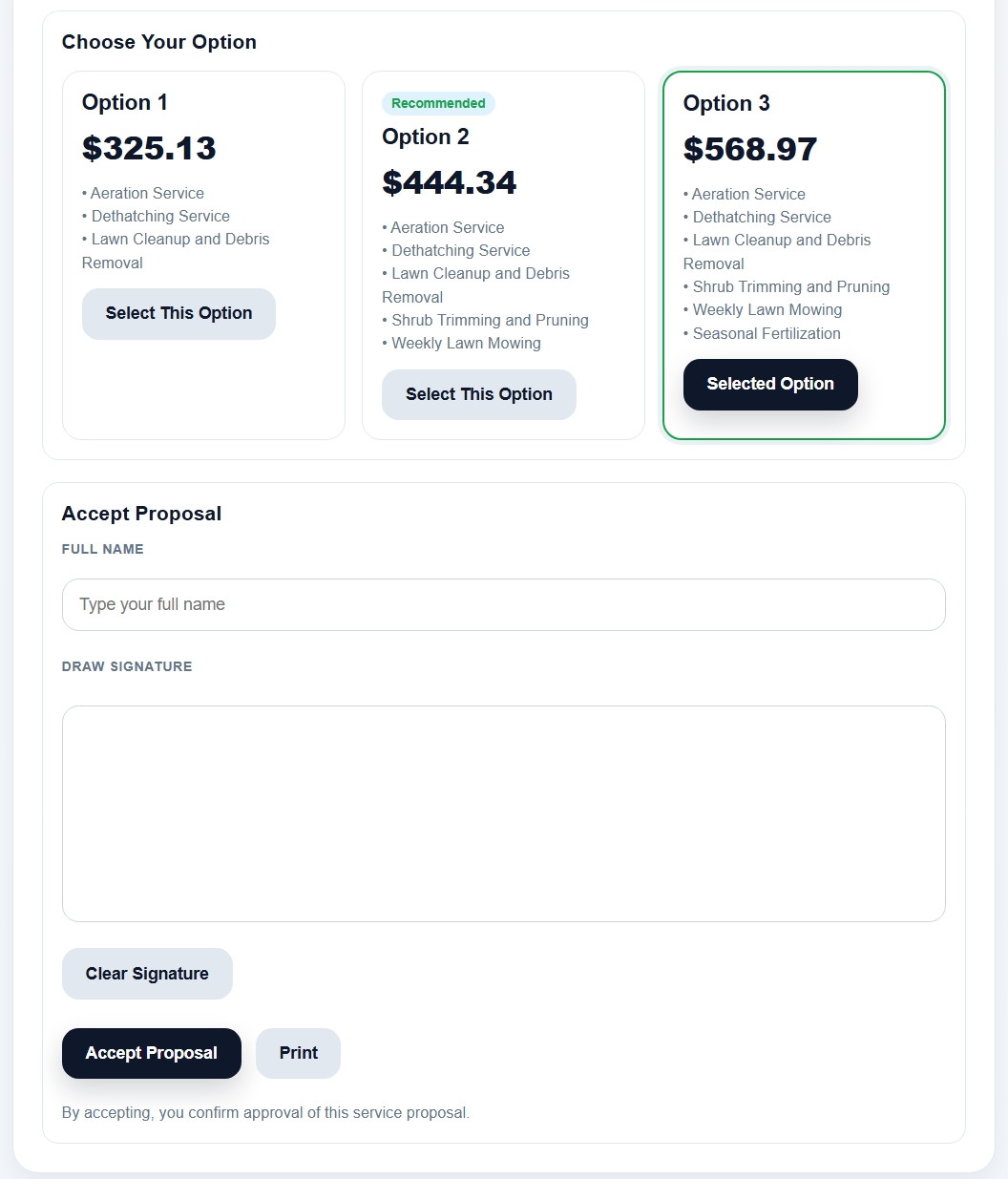
Keep the agreement connected.
Review the scope and price accepted by the customer before planning the job.
Actual Techunly interface, shown in English.
04 / Schedule & Routes
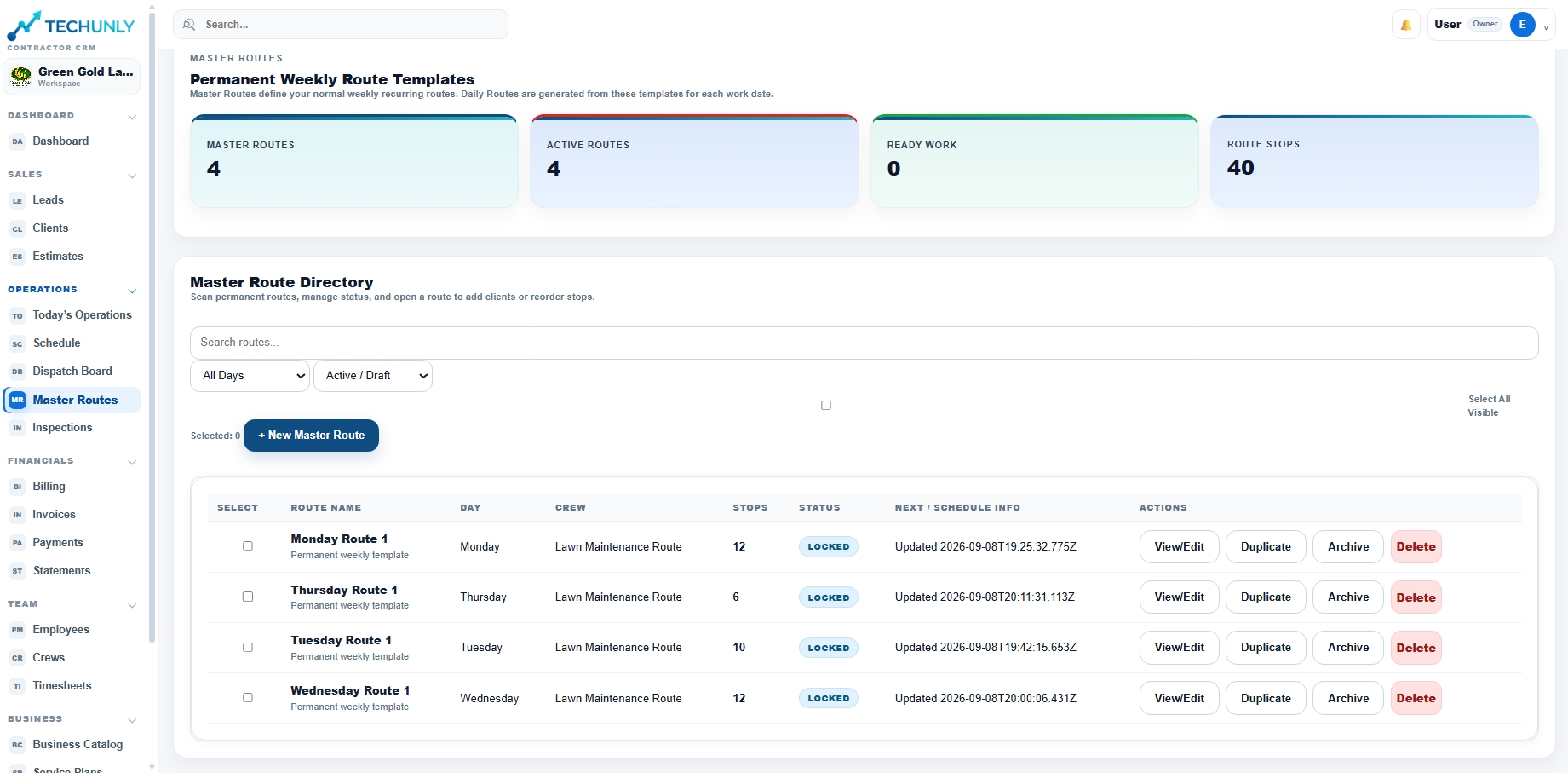
Give recurring and one-time work a clear plan.
Techunly organizes recurring and one-time work through scheduling and permanent routes. Master Routes provides weekly route templates for recurring visits.
Actual Techunly interface, shown in English.
05 / Work Orders
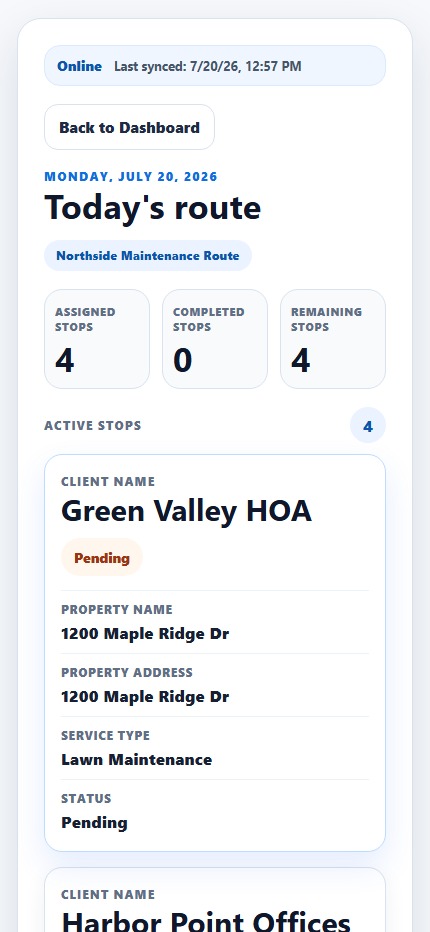
Give the crew a clear assignment.
Connect the work to the field team with the job instructions they need for the assignment.
Actual Techunly screenshot. Example data does not represent customer results. Interface shown in English.
06 / Inspection
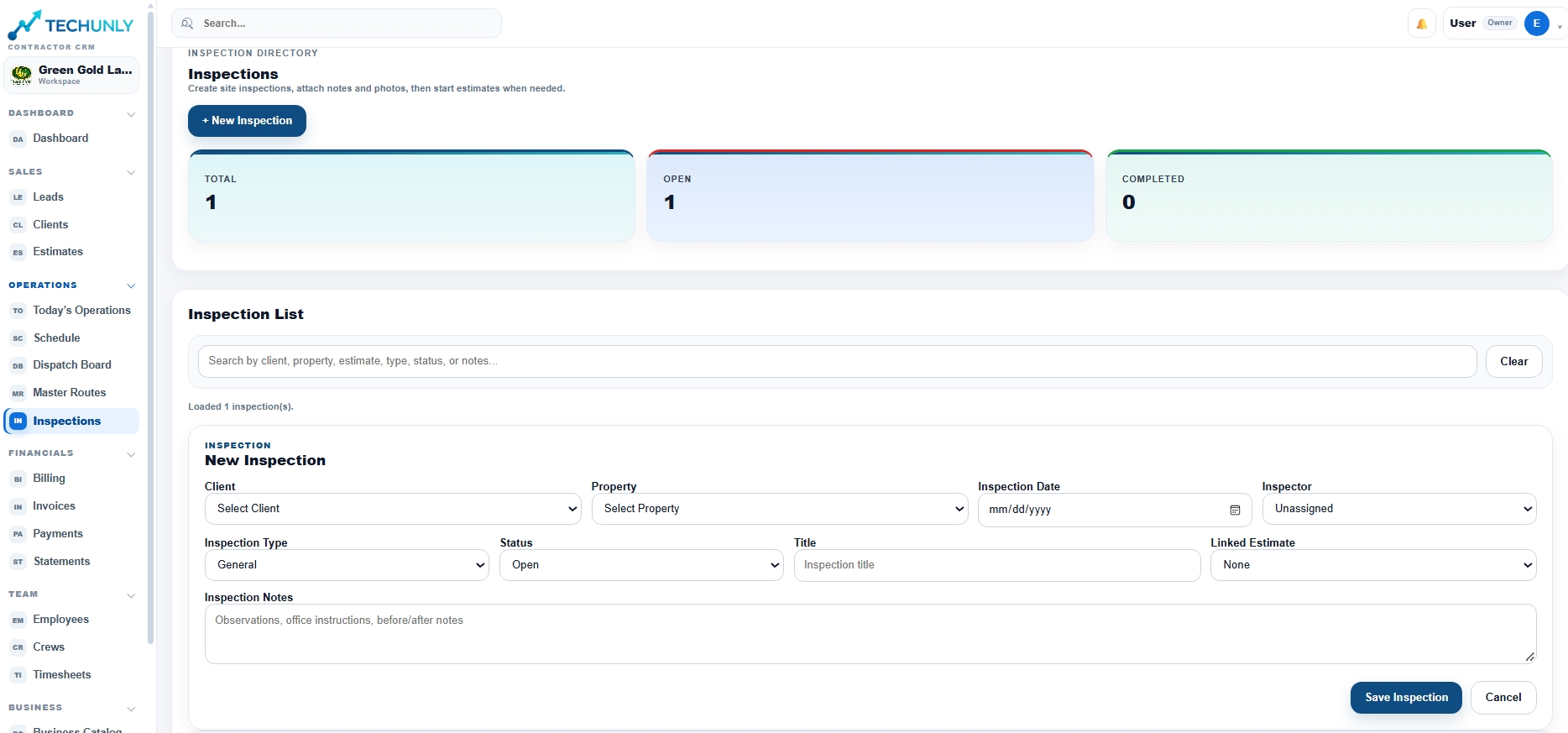
Review the work against the scope.
Check the completed work and identify any follow-up before considering the job ready for billing.
Actual Techunly interface, shown in English.
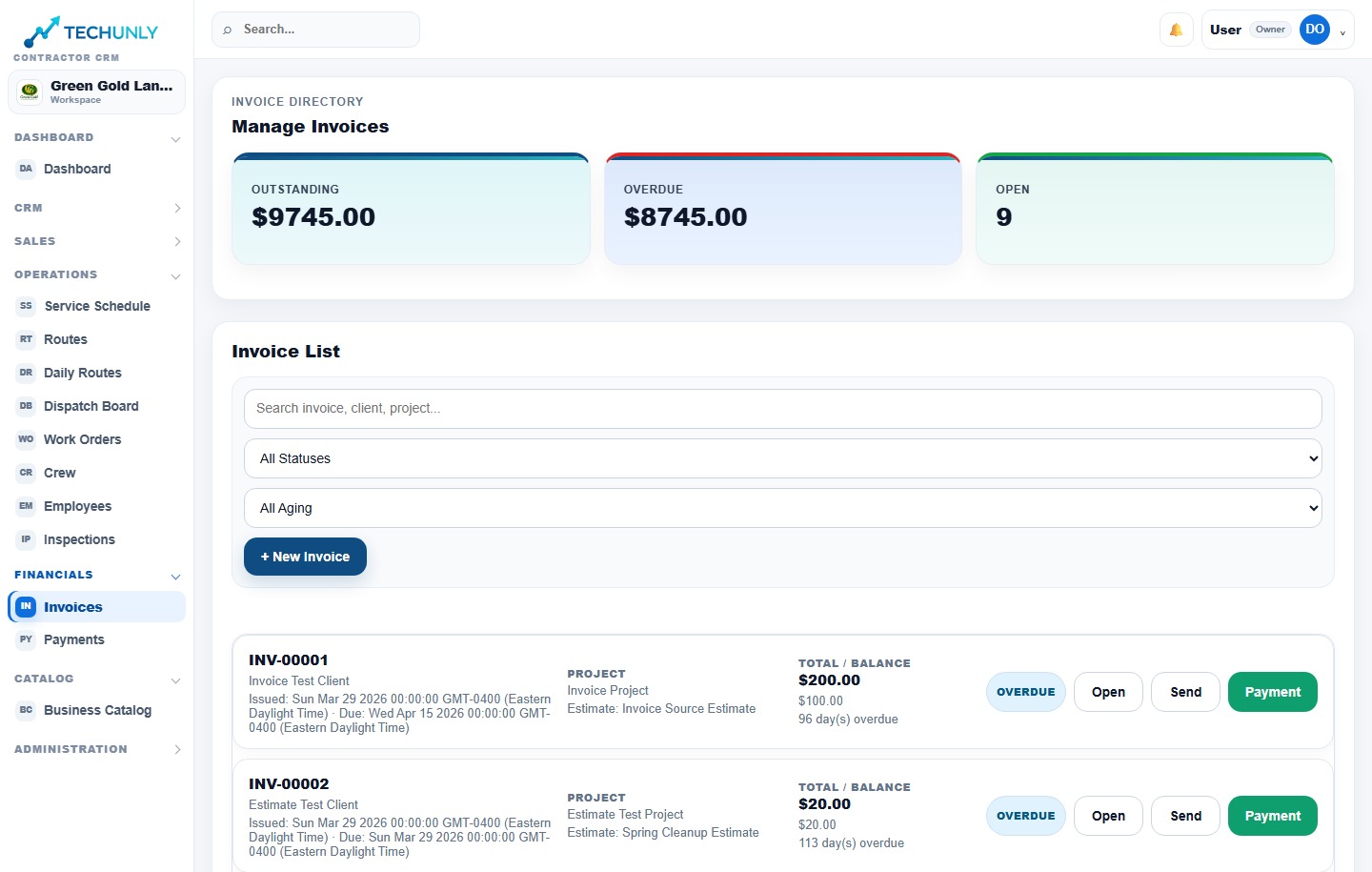
07 / Invoice
Bill for the agreed work.
Review the work being billed, its invoice and any outstanding balance.
Actual Techunly screenshot. Example data does not represent customer results. Interface shown in English.
08 / Payment
Close the financial follow-up.
Review payment status and outstanding balances. A completed assignment and a paid invoice are different milestones.
Actual Techunly screenshot. Example data does not represent customer results. Interface shown in English.
FROM AGREEMENT TO PAYMENT
Explore how the work connects.
01 / Estimates
Keep the promise attached to the job.
Review the property, proposed scope and approved estimate before the work reaches the field.
An office decision. A field assignment. A financial follow-up.
02 / Scheduling
Give the next workday a clear plan.
Scheduling sets when work happens. Dispatch coordinates assignments; routes provide travel context. Work orders carry the specific job instructions. Review each step separately.
An office decision. A field assignment. A financial follow-up.
03 / Crews
Put the assignment within reach.
Help the field team find assigned work and communicate completion. Crew access is the field workflow, not a replacement for office scheduling or dispatch.
An office decision. A field assignment. A financial follow-up.
05 / Bilingual operations
Choose the language that fits your team.
Run the business in English or Spanish. When office staff and field crews use different languages, review the same operational workflow in each person’s preferred language.