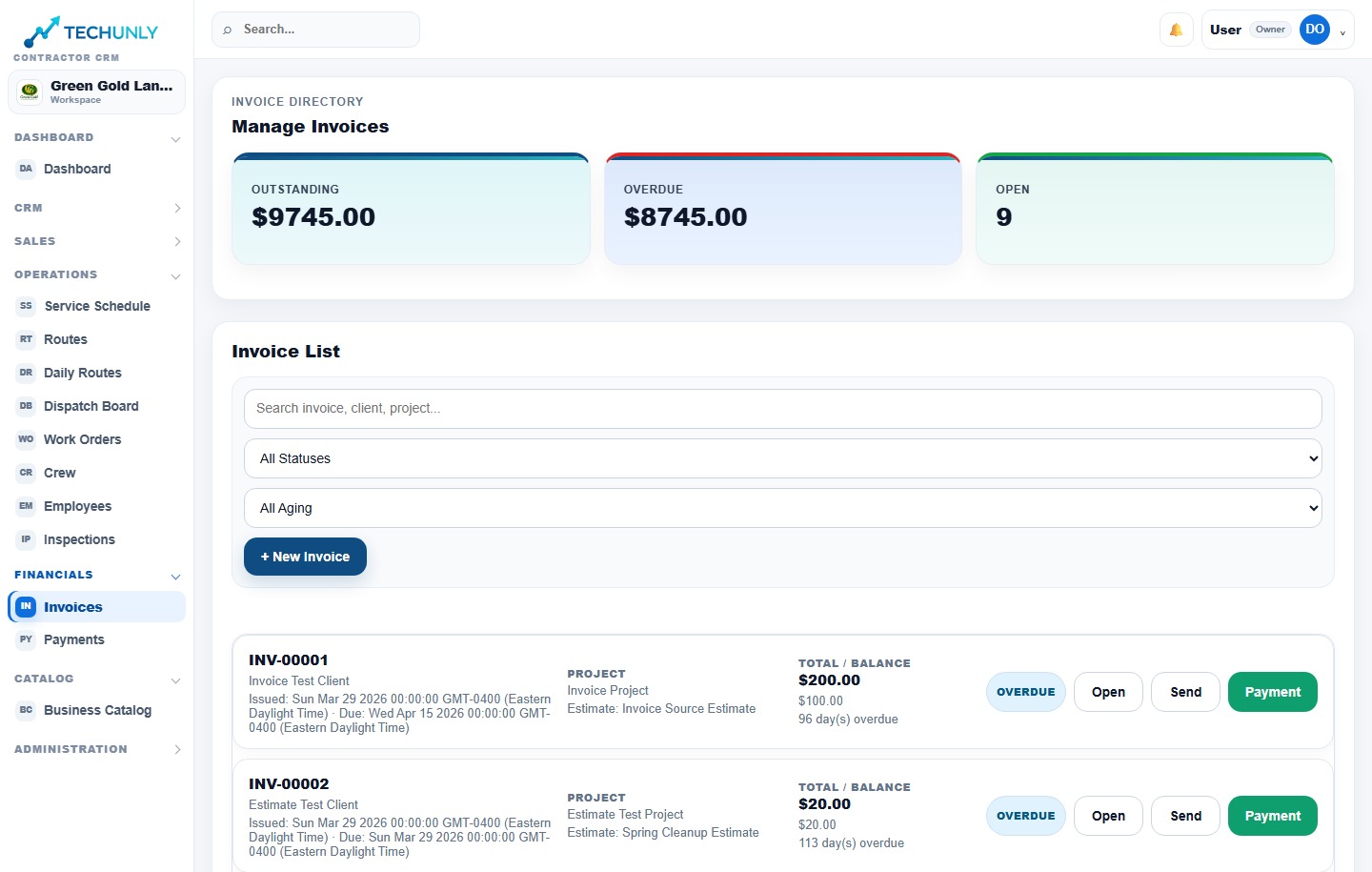
Finishing the job and following up on payment are both part of running the business. Manage professional invoices, online payment workflows and payment tracking in Techunly.
Product screenshots shown in English. Select the image to enlarge it.
01
Bring billing into the same workspace
Your customer, property and services matter when you estimate the job, and they still matter when you bill for it. Techunly includes invoicing within the platform you use to organize the work, giving the office one place to manage this stage of the business.
02
Review the invoice before sharing it
Prepare a professional invoice and check that it describes the work you intend to bill. For a landscaping job, that means reviewing the relevant service details and amounts. Use the trial to explore the invoice workflow with a familiar job and confirm it fits your billing process.
03
Follow the payment status
Techunly supports online payment workflows and payment tracking. Review invoice statuses and payment details so the office can decide what needs attention next. Keep that review part of your regular billing routine alongside the work happening in the field.
Invoices & payments
Before you get started.
Does Techunly include invoices and payment tracking?+
Yes. The platform includes professional invoices, online payment workflows and payment tracking.
Are invoices part of the same platform as estimates?+
Yes. Techunly connects the business around estimates, scheduling, field crew workflows, invoices and payments.
What does the Techunly subscription cost?+
The Standard plan is $199.99 USD per month after a 30-day free trial. Billing details are collected through Stripe, and the subscription starts automatically unless you cancel.
Billing details are collected through Stripe. Your subscription begins automatically after the trial unless you cancel. Billed monthly; cancel anytime.