
The connection to Green Gold Landscaping
Green Gold Landscaping has operated since 2014. Ervin Gramajo founded Green Gold Landscaping and created Techunly. His direct experience managing real service-company operations shaped the purpose of the software.
That relationship is the context for this story. Green Gold is not presented here as an independent paying customer or a testimonial. The connection explains the operational perspective behind Techunly; it is not a claim that every feature originated there.
The details have to survive each handoff
Owners often divide information among paper, text messages, spreadsheets, accounting tools and personal memory. Each can hold a useful part of the job. The difficulty comes when the next person needs a detail that stayed in a different place.
Consider a common situation, not a Green Gold customer example: a scope change is discussed by text, while the crew works from an earlier description. Before anyone can close out the job or prepare the invoice, the office has to establish what was actually approved. The operational problem is the missing connection between those records.
Follow the job from the first inquiry to payment
THE OPERATING FLOW
01 / Lead
Start with the right context.
Understand the inquiry, the property and the work being requested before preparing a proposal.

02 / Estimate
Make the scope clear.
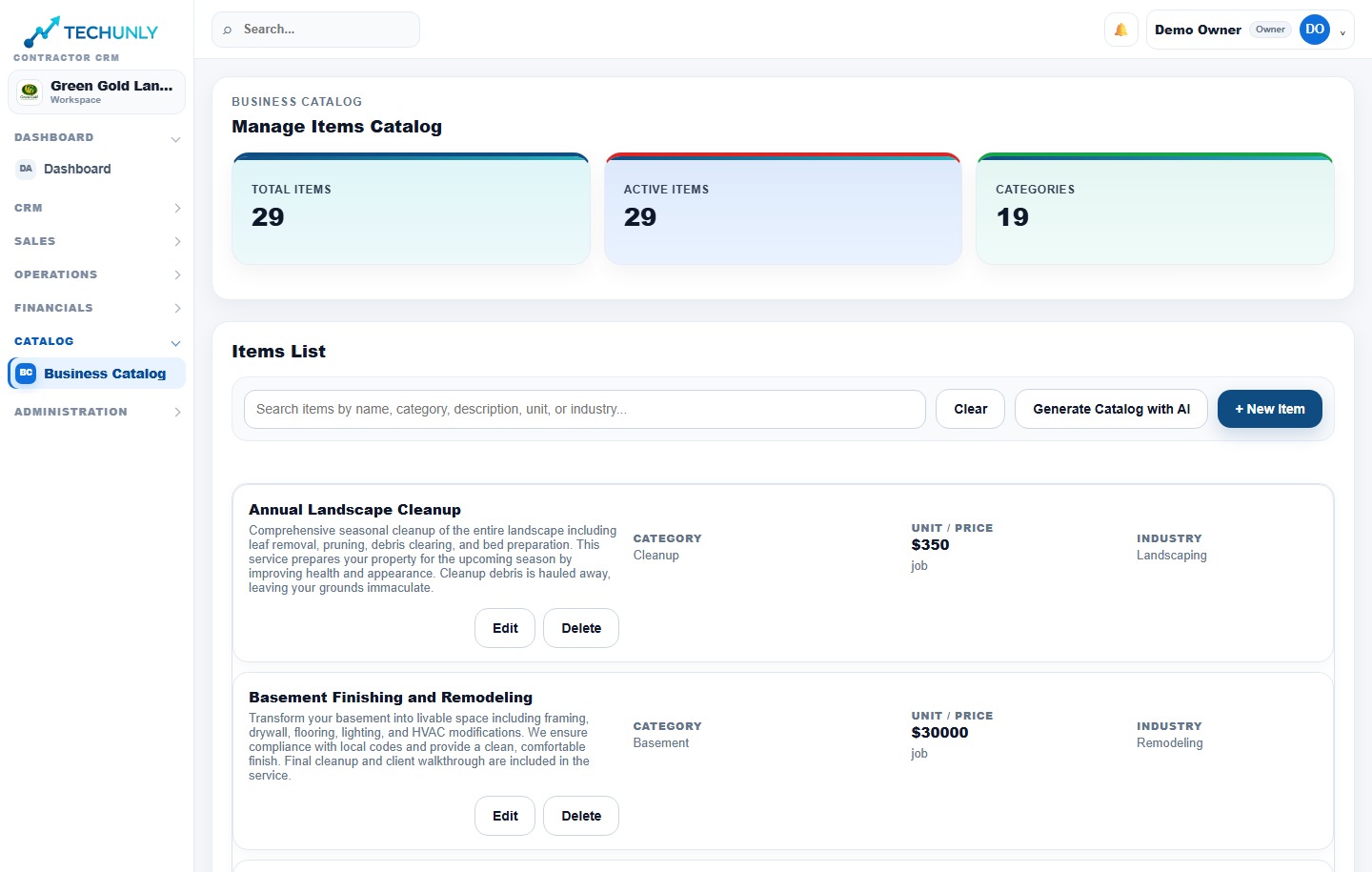
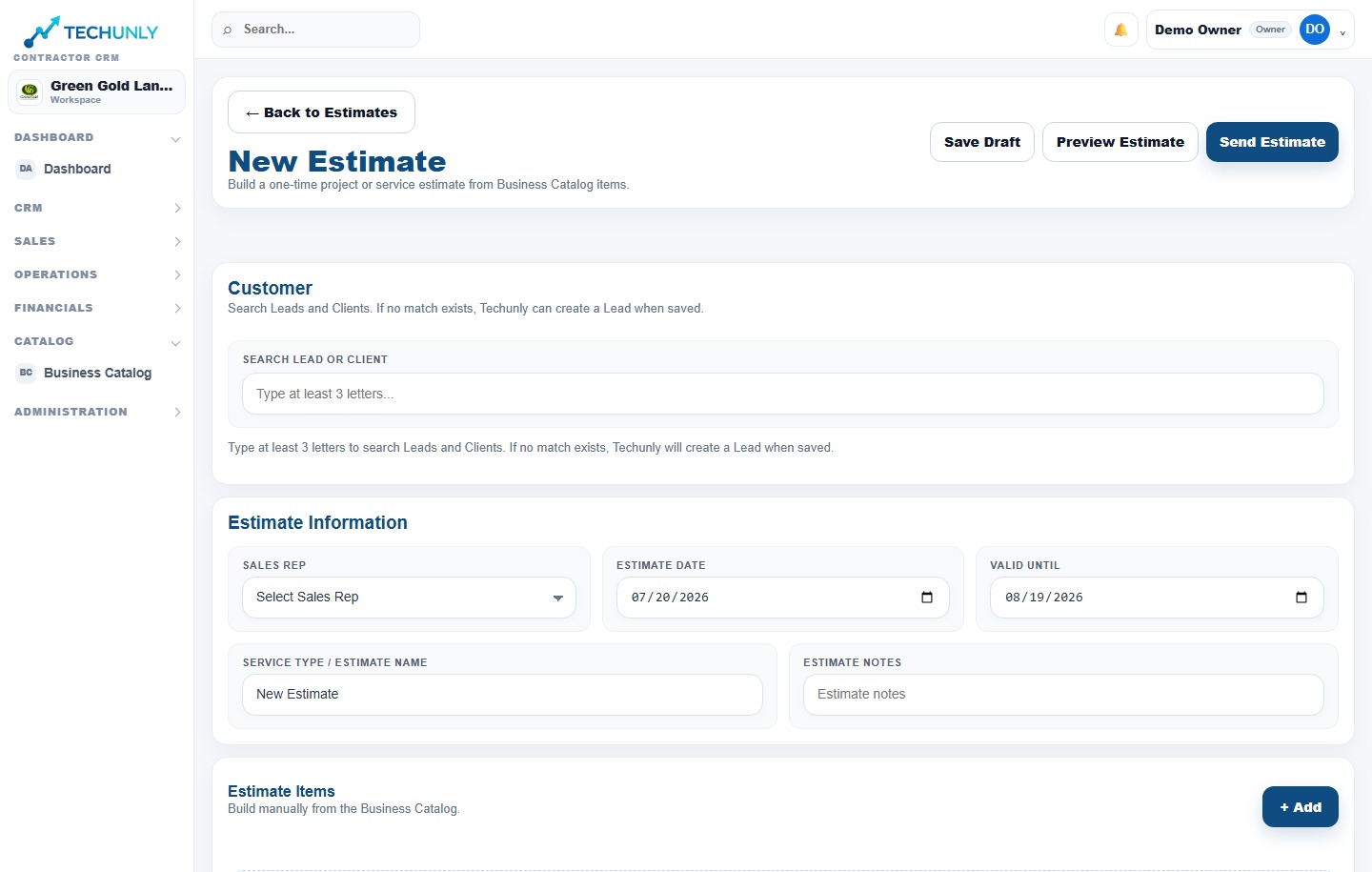
Bring the proposed services, scope and price together so the customer can review what is included.

03 / Approval
Keep the agreement connected.
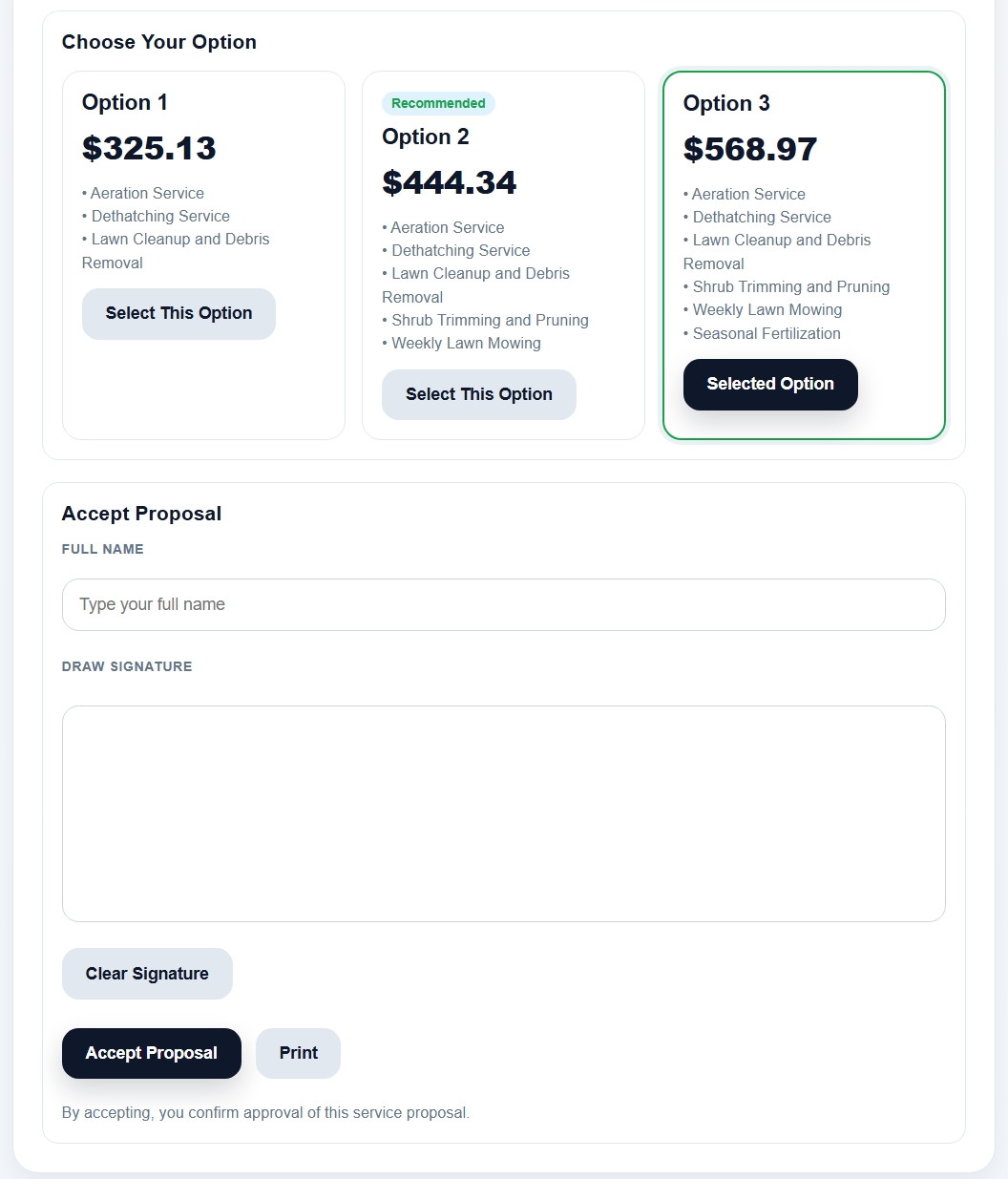
Review the scope and price accepted by the customer before planning the job.
04 / Schedule & Routes
Give recurring and one-time work a clear plan.
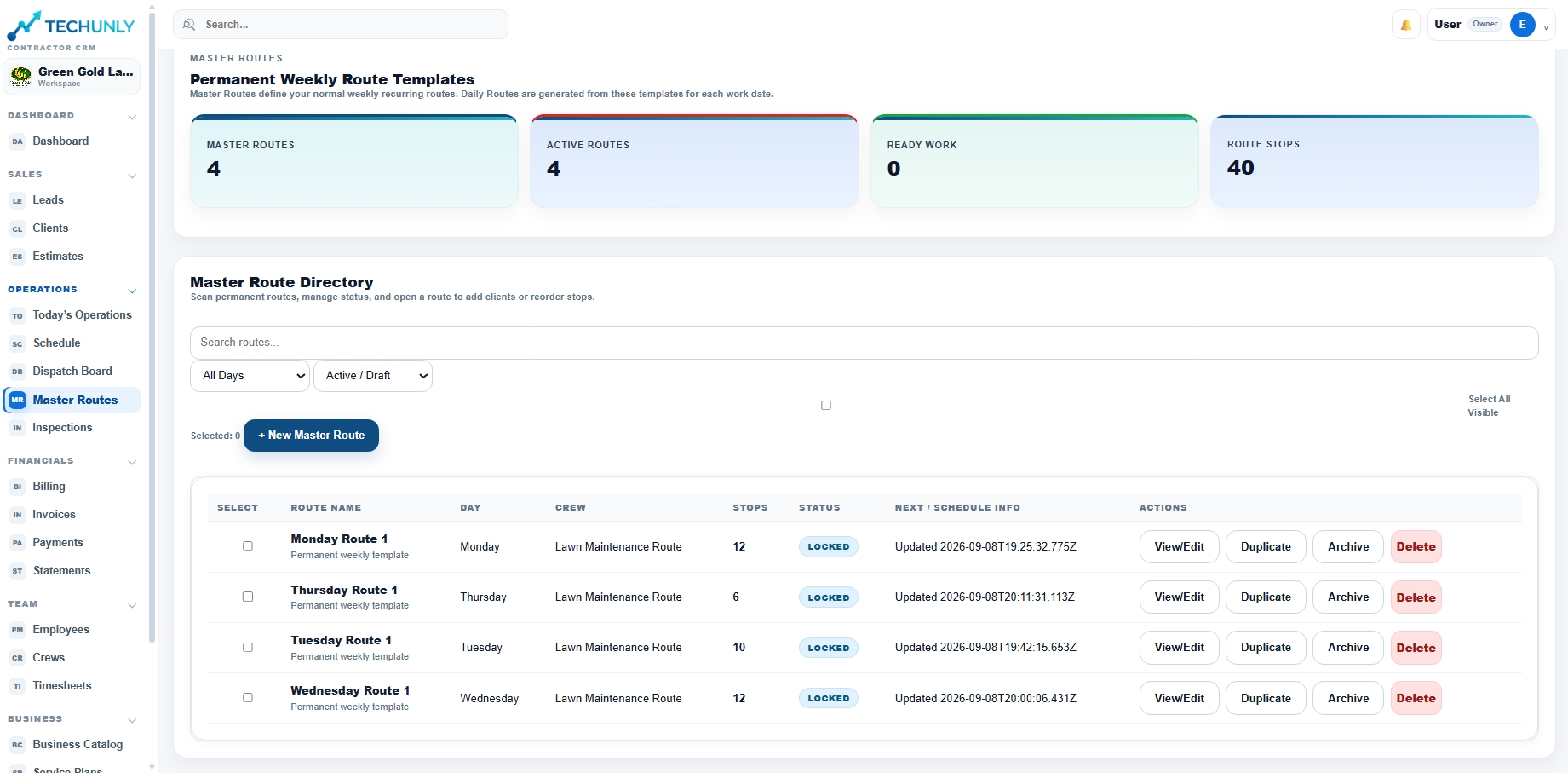
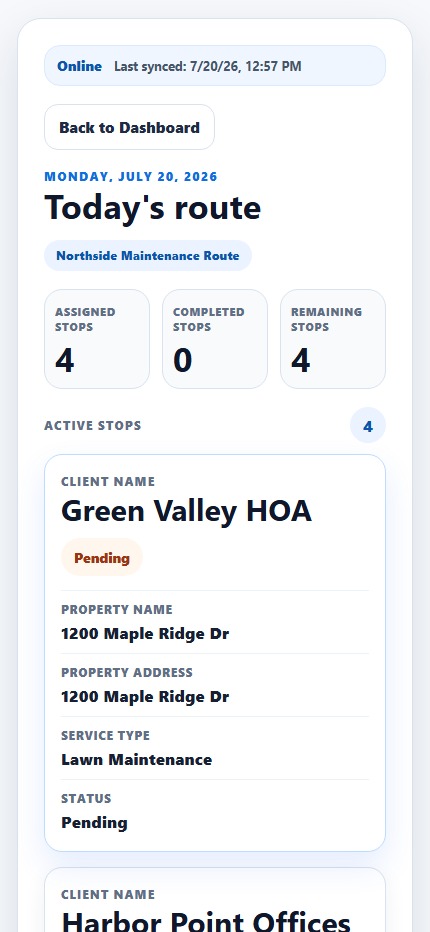
Techunly organizes recurring and one-time work through scheduling and permanent routes. Master Routes provides weekly route templates for recurring visits.
05 / Work Orders
Give the crew a clear assignment.
Connect the work to the field team with the job instructions they need for the assignment.

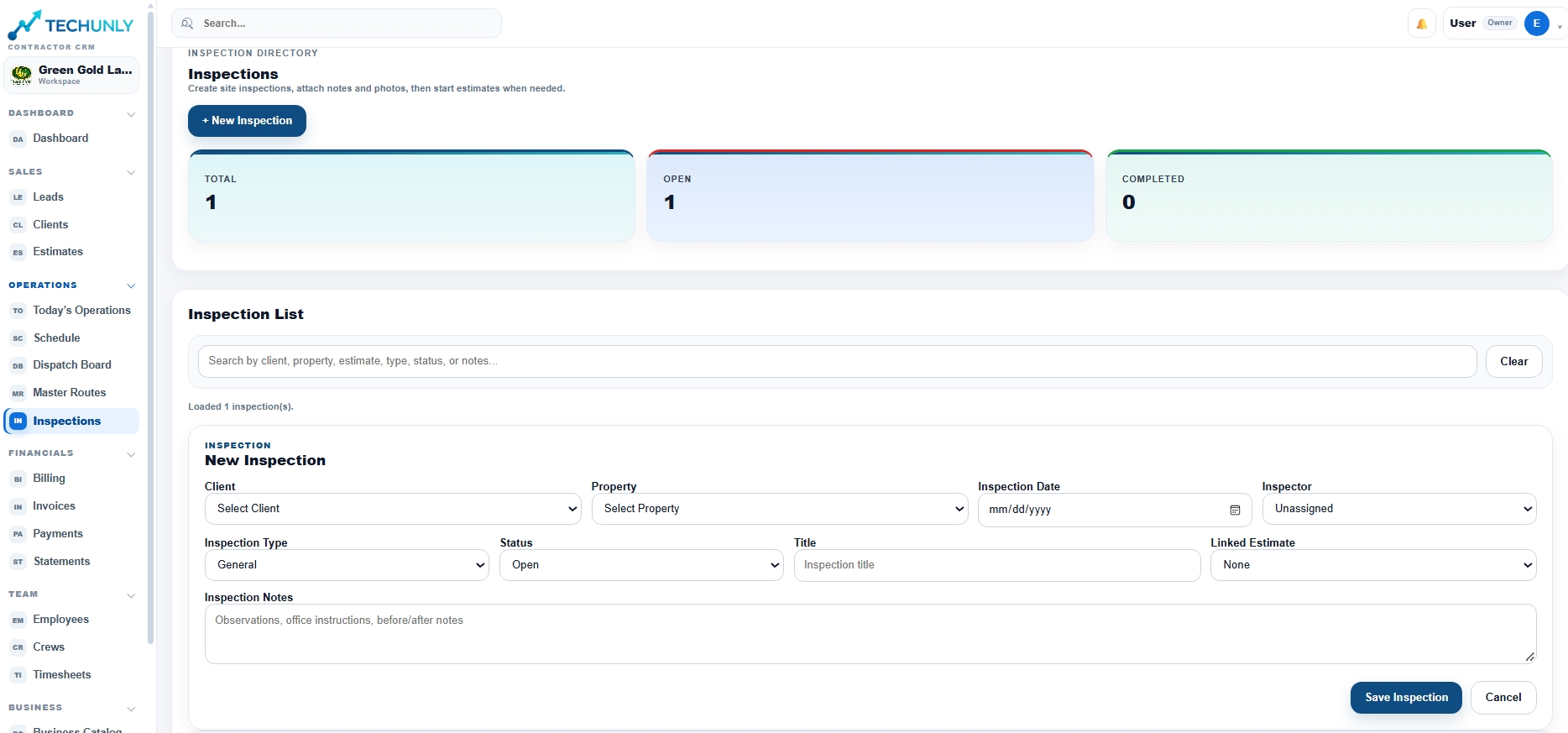
06 / Inspection
Review the work against the scope.
Check the completed work and identify any follow-up before considering the job ready for billing.
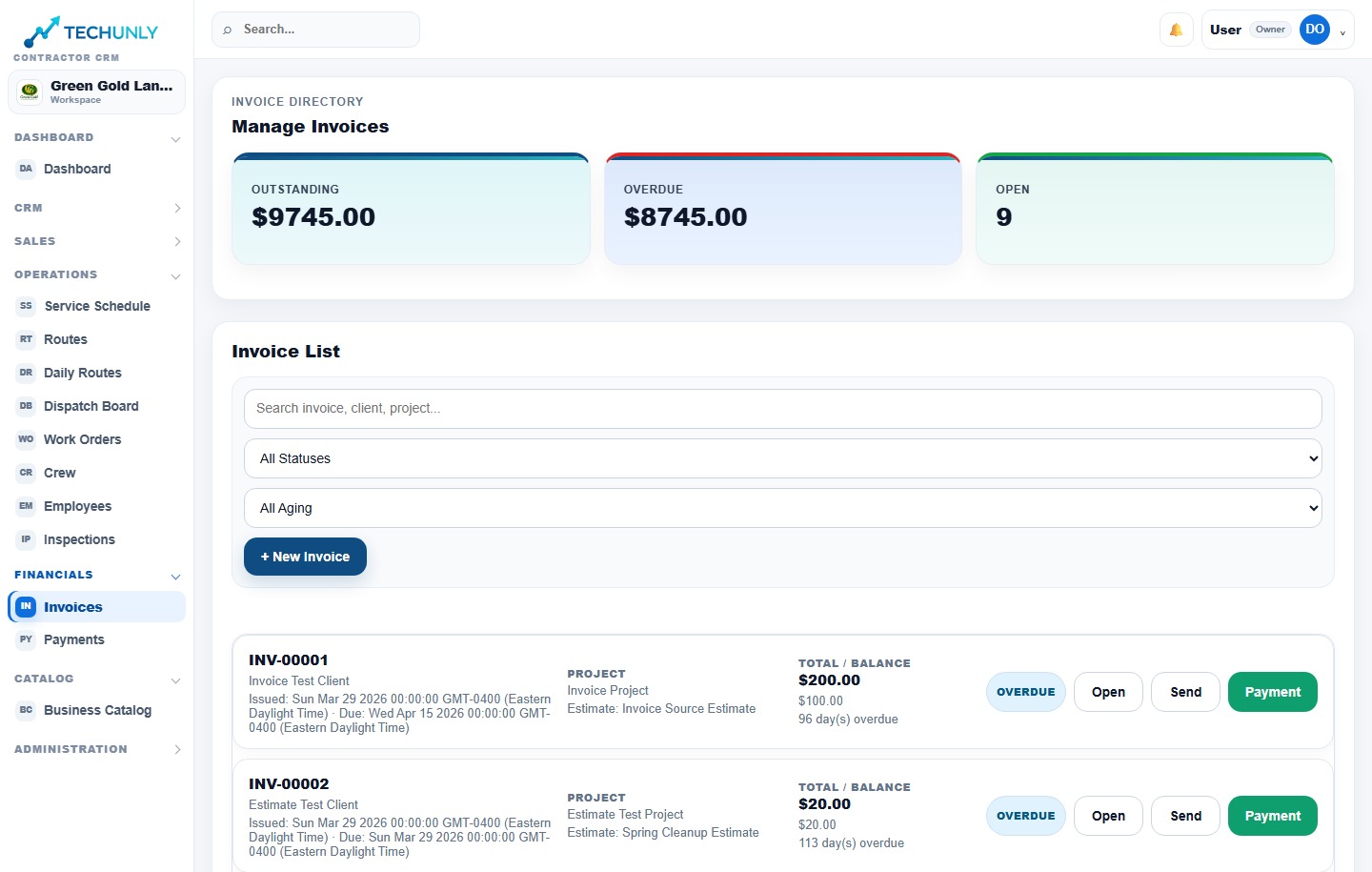
07 / Invoice
Bill for the agreed work.
Review the work being billed, its invoice and any outstanding balance.
08 / Payment
Close the financial follow-up.
Review payment status and outstanding balances. A completed assignment and a paid invoice are different milestones.
The operational flow is Lead → Estimate → Approval → Schedule & Routes → Work Orders → Inspection → Invoice → Payment. These are connected decisions, not just labels on a screen.
The lead identifies a potential job. The property provides its context. The estimate describes the proposed scope and price; approval establishes what the customer accepted. Scheduling and permanent routes organize recurring and one-time work; a work order gives the field team an assignment. The invoice describes what is being billed, while payment completes the financial follow-up.
When a detail changes, ask which later stage needs that information. A revised scope matters to the crew and to the person reviewing the invoice. Marking an assignment complete does not, by itself, answer whether the invoice has been paid.
Maintenance and projects need different plans
Landscaping includes recurring maintenance and one-time projects. A repeat visit needs a dependable schedule and a clear service expectation. A larger project needs an agreed scope and coordination around its stages.
The same customer may need both kinds of work. Keeping the property context while distinguishing the jobs helps the office discuss the right commitment with the crew. A maintenance visit should not silently acquire an extra task just because someone mentioned it during a separate project conversation.
Two languages can be part of the same job
An owner may work in Spanish, customers may communicate in English and crews may prefer Spanish. That makes language part of the operational handoff. The important question is whether everyone can understand the approved work and communicate what happens next.
A bilingual workflow still needs clear descriptions and a shared reference. Software language settings do not replace reviewing what a customer was promised or confirming that a crew understands a change.
The purpose is to connect the operation
Techunly’s purpose is to connect office, field and financial follow-up in one operating platform. Its roots in landscaping inform that purpose without turning the origin story into a promise of savings or growth.
For an owner evaluating software, the useful takeaway is to trace one job across the business. Look at where the information changes hands, where the next person has to ask again and which record everyone treats as current. That is a more concrete starting point than a long list of features.